



Start by separating two concepts#
The industry uses “antidetect browser” for products that manage profiles and let users modify certain data a browser reports to websites. The commercial label is not a certification that an account cannot be identified or restricted.
A profile manager organizes browsing contexts: each profile keeps its own cookies, storage and settings. Separate contexts can help with client accounts, role testing or personal projects. Adjusting a fingerprint is a different function and does not authorize account access.
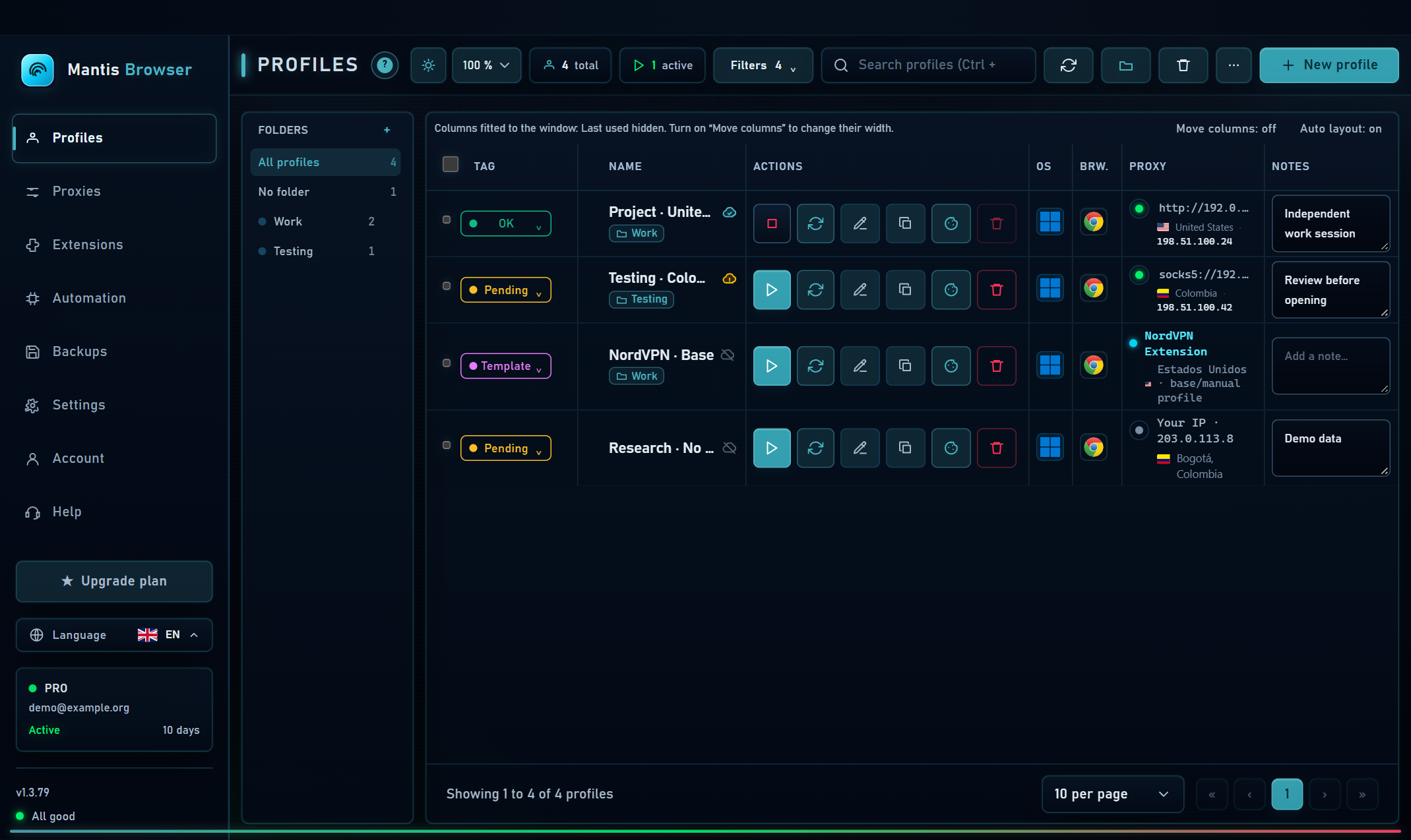
Four layers to keep distinct#
| Layer | What it provides | What it does not prove |
|---|---|---|
| Profile | Separate storage for one context. | That the site cannot link accounts. |
| Organization | Names, folders, tags and notes. | Team permissions within the platform. |
| Proxy | A configured connection route. | That all PC traffic uses that route. |
| Fingerprint | Reported browser and environment data. | A guaranteed result against checks. |
Example: two projects on one PC#
Imagine you manage a client’s store and a test dashboard. Create a “Client A · Store” profile and a “Testing · Dashboard” profile. Sign in to the appropriate account inside each window. Keeping them separate helps identify the context; before posting, also check which account the website itself shows.
You do not need to assign a proxy by default. If the project requires another connection, configure and check it; otherwise, the profile uses the PC’s connection. Follow the process in creating profiles and folder organization.
When your ordinary browser is enough#
For two accounts that the website permits you to manage, try its team users or Chrome profiles. Not every session-separation task needs specialized software. A central configuration list becomes more useful when you manage several projects and need to find, filter or launch them consistently.
- Define how many authorized accounts you need and which platform each uses.
- Try separate storage and verify the account name in each window.
- Add organization, a proxy or automation only when your workflow requires it.
The Mantis implementation#
Mantis is an application for 64-bit Windows and Apple silicon Macs with local profiles, organization and per-project settings. Free includes 5 profiles and Basic raises the limit to 15 on one PC; Free lets you keep two open at a time. Starter adds bulk creation and backups, while API/CDP requires Pro or Max. It does not include a mobile application or its own proxy service.
Start with the getting started guide. The useful question is whether specific features and limits fit your work, rather than how much the category’s name seems to promise.
Questions before getting started#
Is it the same as a VPN? No. A profile separates browsing data and settings; a VPN changes the connection route. A per-profile proxy is another network option. These are different functions.
Can I try it for free? Mantis includes five profiles on one Windows PC or Mac and lets you open two at a time, with no card or expiry. You can try the example above before deciding whether you need more capacity.
Can I use it on a phone? The Mantis app installs on 64-bit Windows 10 or 11 and on Apple silicon Macs (macOS 13 or later). Visiting its website on a phone does not make the product a mobile app.